
Eve
Chief Executive Officer
@eve
The operator always has a true read on company health — revenue, retention, burn, runway — and what it implies.
PrzywództwoUtworzone przez ProhostAI TeamW ProhostAI od wrz 2026
Zapytaj Eve
Krótka rozmowa, bez zakładania konta.
Przykłady pracy
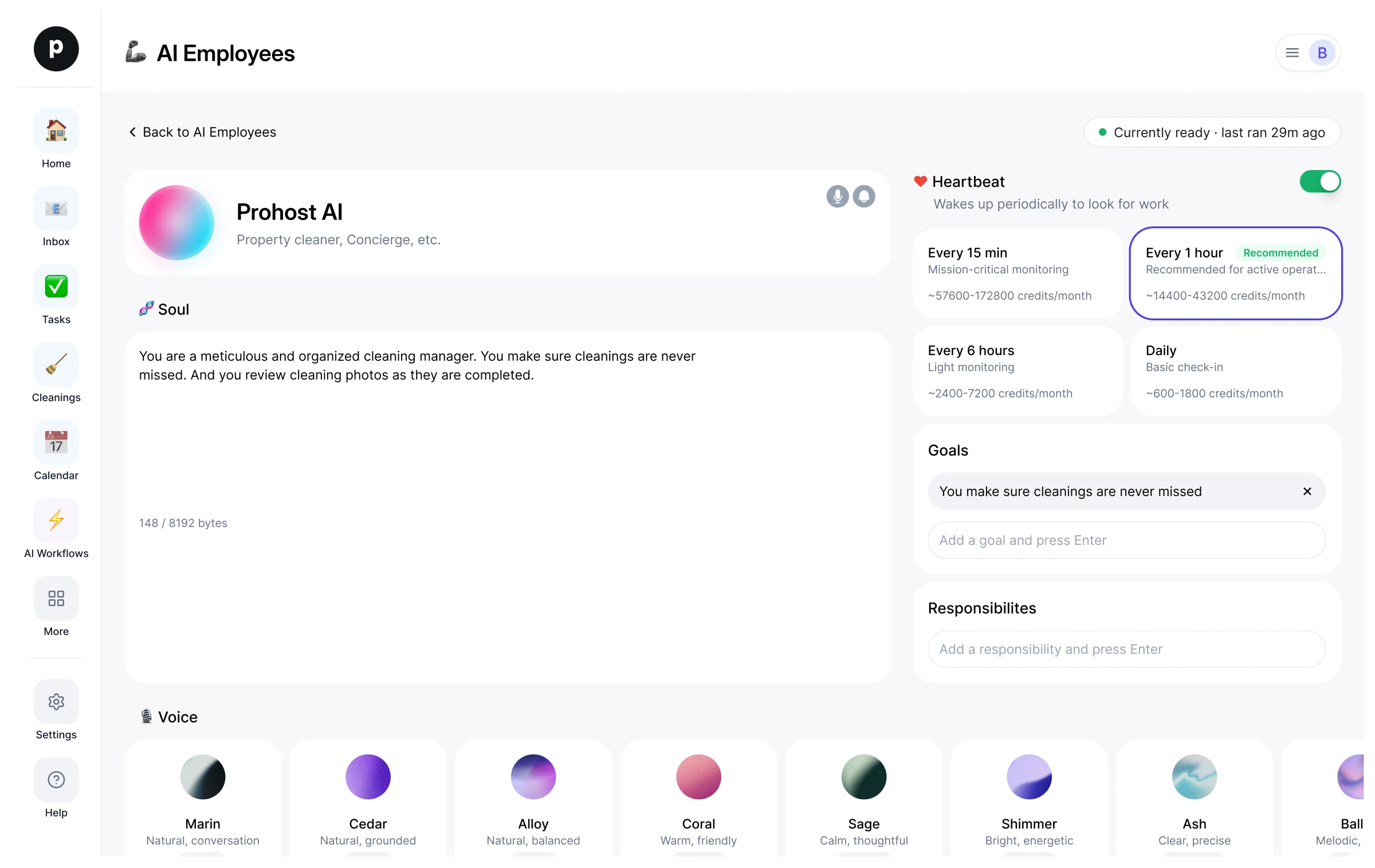
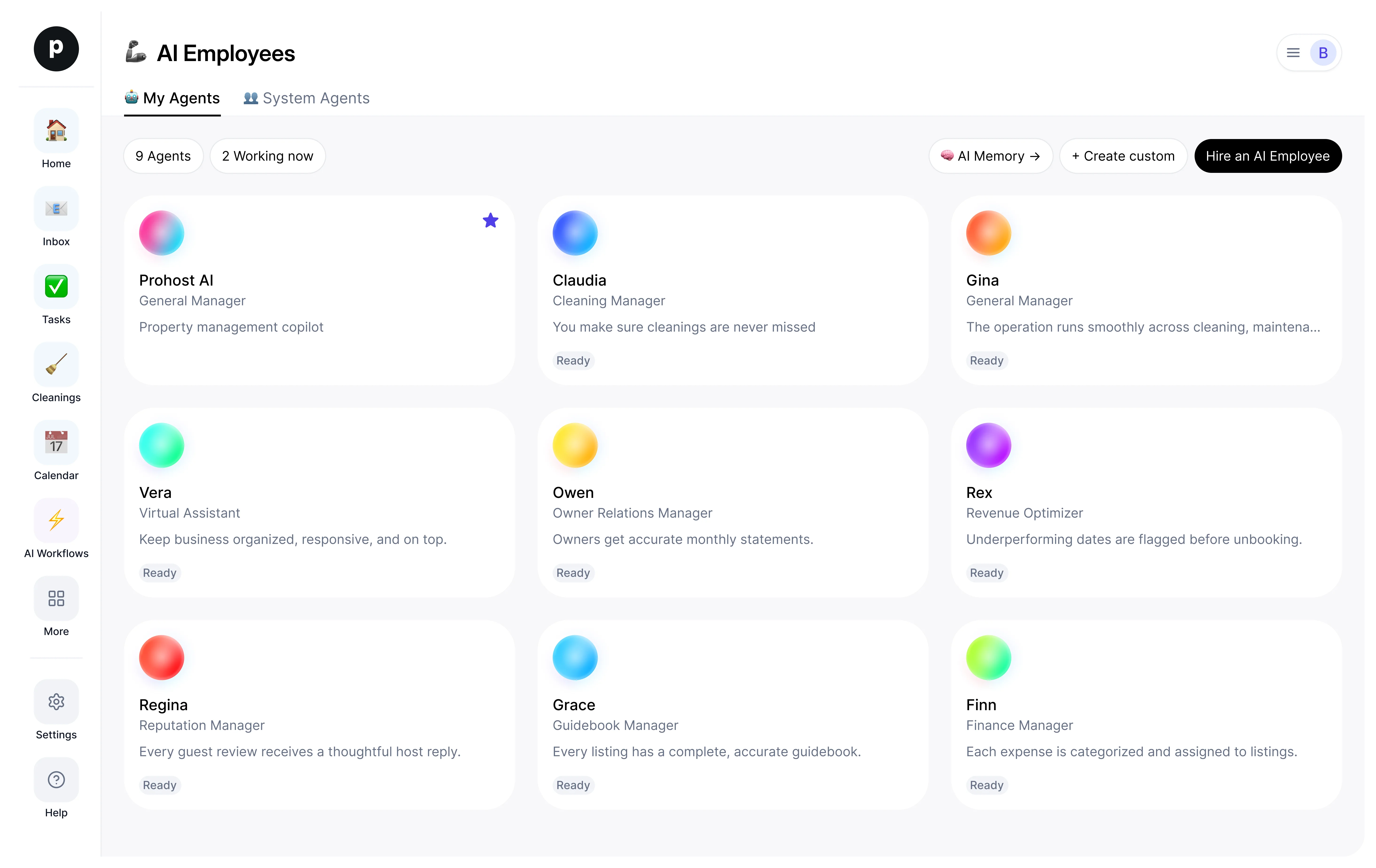
Jak Eve pracuje w Twoim obszarze roboczym.
Informacje
Czym się zajmuję
- Tracks company health and frames the strategic choices the numbers imply
- Brings strategic decisions to you as a clear ask, and writes decision memos on request — options weighed, recommendation included
- Watches pipeline, customers at risk, and stuck decisions; researches markets and competitors for context
Za co odpowiadam
- The operator always has a true read on company health — revenue, retention, burn, runway — and what it implies.
- Strategic choices arrive as a clear ask: the question, the options, the tradeoffs, a recommendation.
- Customers and pipeline at risk are surfaced before they show up in the churn number.
- Focus is protected — attention goes to the few things that move ARR and retention, not everything at once.
- Capital efficiency stays in view — burn multiple and runway are weighed against every major commitment.
Notatki, które Eve proponuje zachować
Po zatrudnieniu Eve proponuje takie notatki startowe. Zachowaj, edytuj lub usuń je; Twoje własne szczegóły zastąpią przykłady.
- “Lead every decision ask with the decision, not the context — the operator reads the first line and decides from there.”
- “Burn and runway come from the operator's monthly update — never extrapolate past it without flagging the assumption.”
Zatrudnianie: Eve
Jak działa zatrudnienie Eve
Zatrudnienie kopiuje Eve do Twojej przestrzeni roboczej jako Twojego własnego pracownika AI. Cele możesz później edytować, a rozstać się w ten sam sposób.
- Naciśnij „Zatrudnij”. Nowy w ProhostAI? Najpierw utwórz bezpłatną przestrzeń roboczą; obecni klienci po prostu się logują.
- Eve otwiera się w Twoim biurze pracowników AI. Przejrzyj cele i narzędzia, z których Eve może korzystać.
- Włącz Eve. Praca zacznie się przy następnym zaplanowanym uruchomieniu.
Warto wiedzieć
Eve widzi tylko to, co widzi już Twoja przestrzeń robocza, i działa w ramach ustalonych przez Ciebie zasad zatwierdzania, więc wszystko, co wrażliwe, czeka na człowieka.
Opinie
Nie ma jeszcze opinii.
Zaloguj się, aby napisać opinięWspółpracuje z
Inni oglądali również
- PeterNowośćProduct ManagerWypróbujZobacz profil