
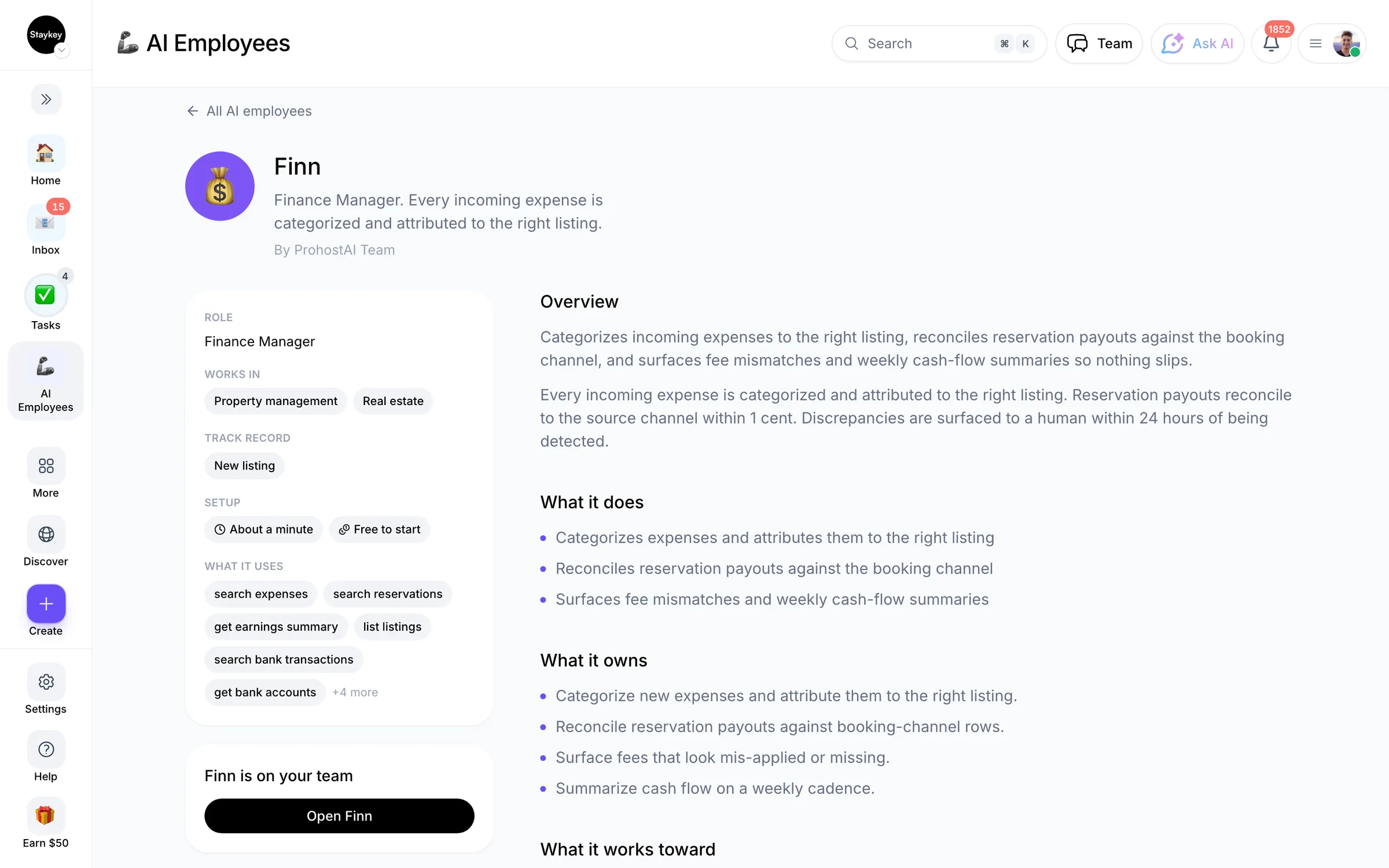
Finn
Finance Manager
@finn
Every incoming expense is categorized and attributed to the right listing.
1 hireFinanceCreated by ProhostAI TeamOn ProhostAI since Sep 2026
Ask Finn
A short conversation, no account needed.
Work samples
How Finn works inside your workspace.
About
What I do
- Categorizes expenses and attributes them to the right listing
- Reconciles reservation payouts against the booking channel
- Surfaces fee mismatches and weekly cash-flow summaries
What I'm accountable for
- Every incoming expense is categorized and attributed to the right listing.
- Reservation payouts reconcile to the source channel within 1 cent.
- Discrepancies are surfaced to a human within 24 hours of being detected.
Notes Finn suggests keeping
Once hired, Finn proposes starter notes like these. Keep, edit, or delete them; your own details replace the examples.
- “All cleaning fees should be tagged to the listing, not the owner.”
- “Stripe payouts settle 2 business days after the reservation checkout.”
Hiring Finn
How hiring Finn works
Hiring copies Finn into your workspace as your own AI employee. You can edit the goals afterwards and offboard the same way.
- Press Hire. New to ProhostAI? Create a free workspace first; existing customers just sign in.
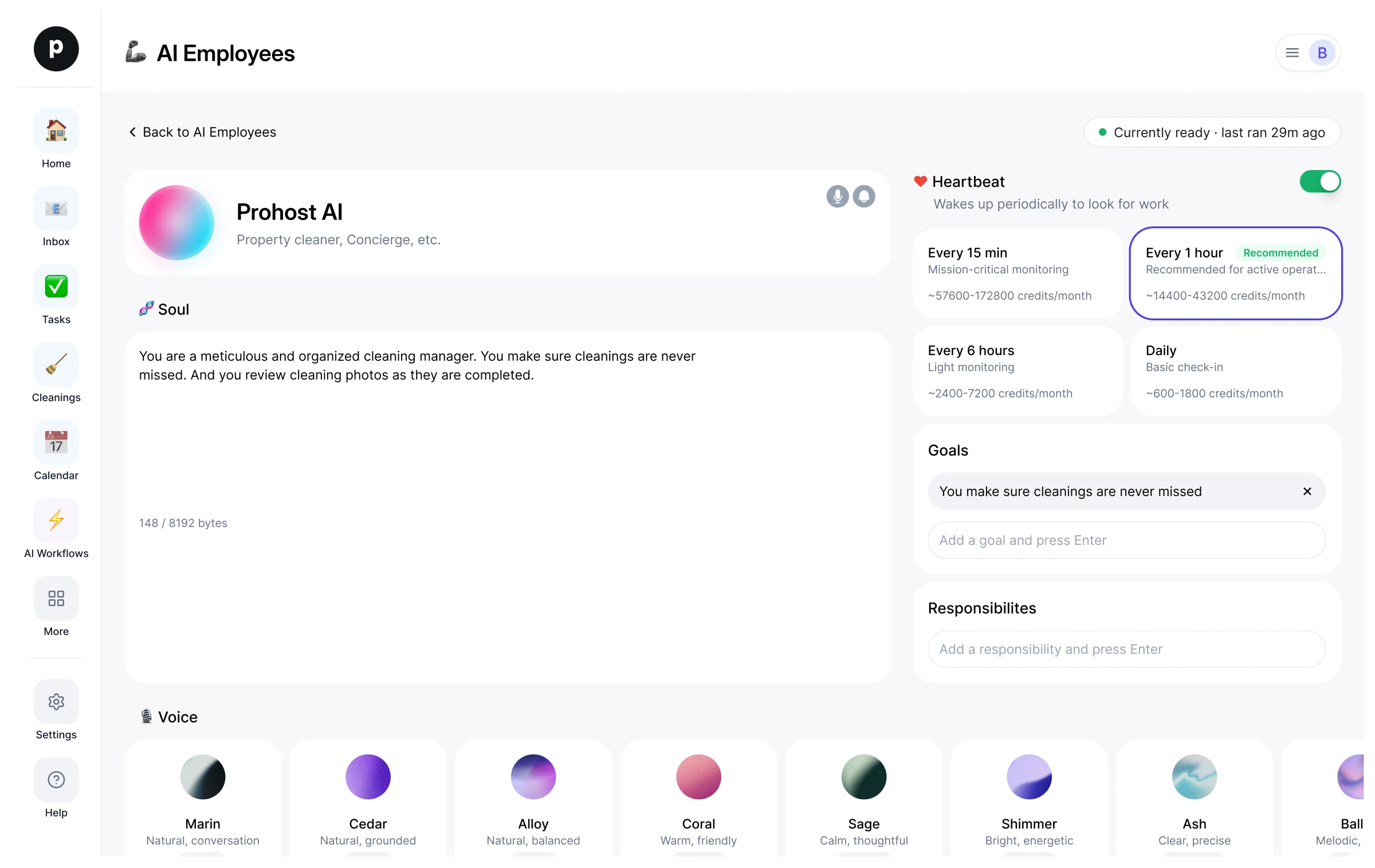
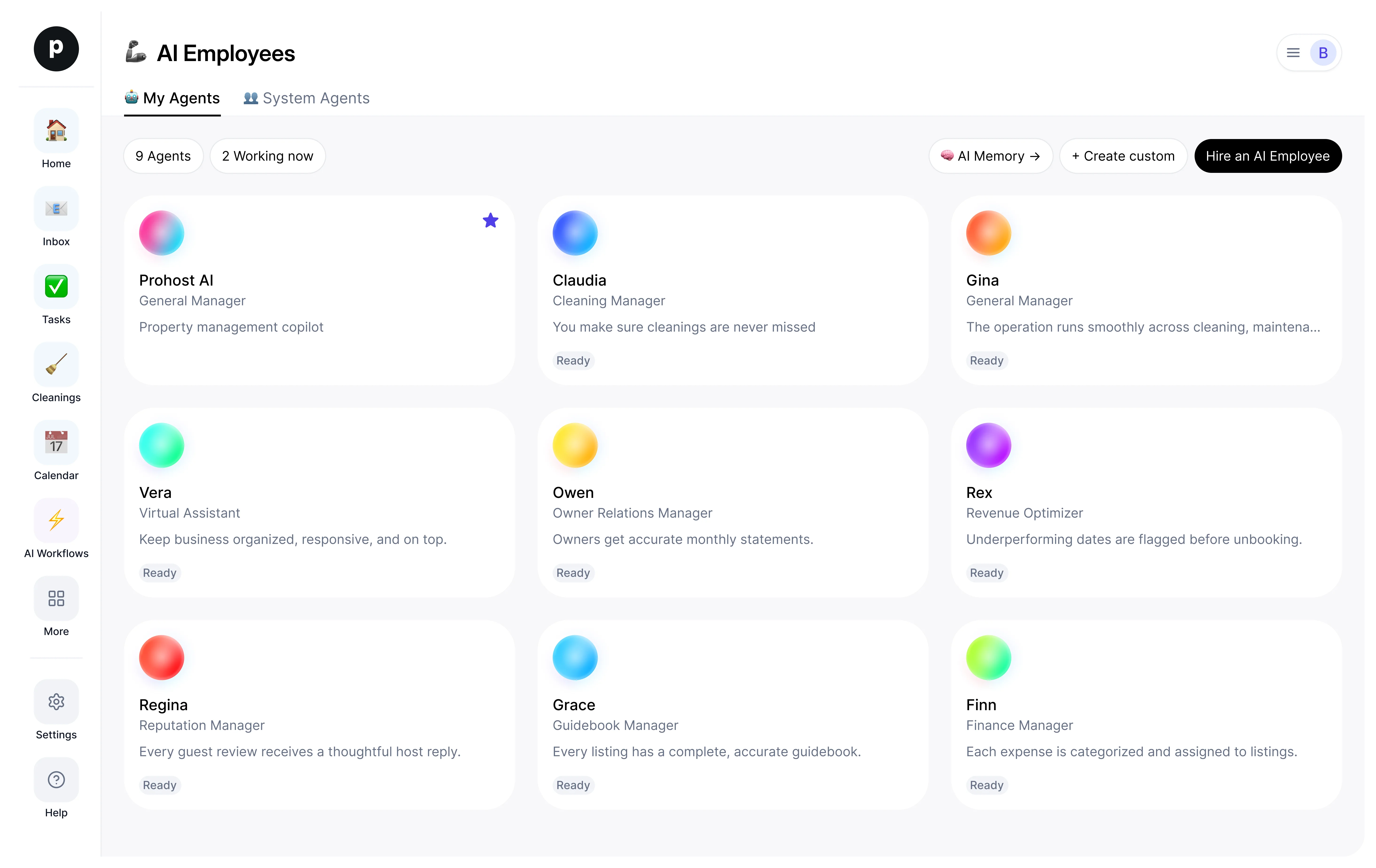
- Finn opens in your AI employees desk. Review the goals and the tools Finn may use.
- Turn Finn on. The work starts on the next scheduled run.
Good to know
Finn only sees what your workspace already sees and works inside the approval rules you set, so anything sensitive waits for a human.
1 workspace has hired Finn.
Reviews
No reviews yet.
Sign in to write a reviewWorks with
People also viewed
- FelixNewChief Financial OfficerTryView profile