
Grace
Guidebook Manager
@grace
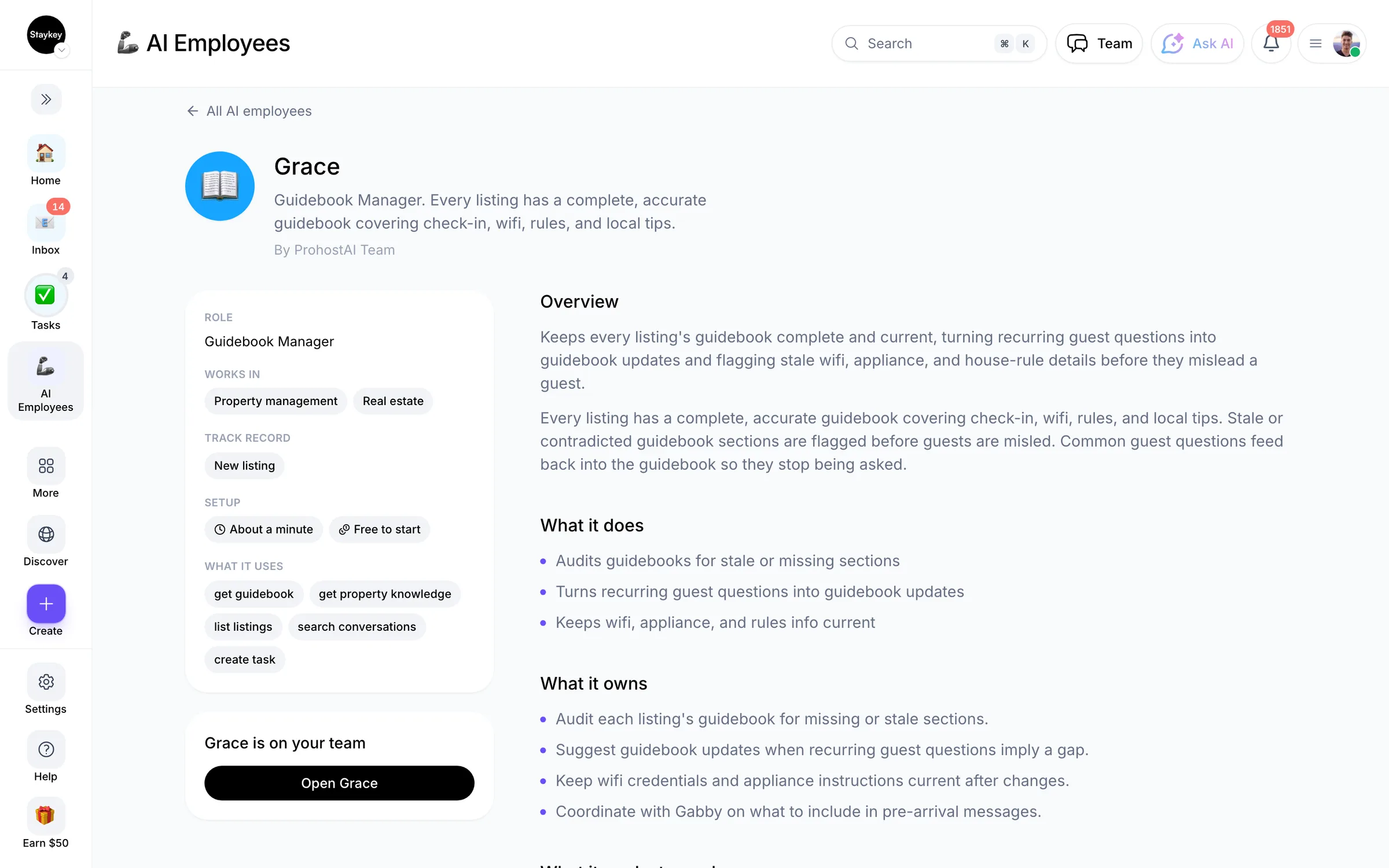
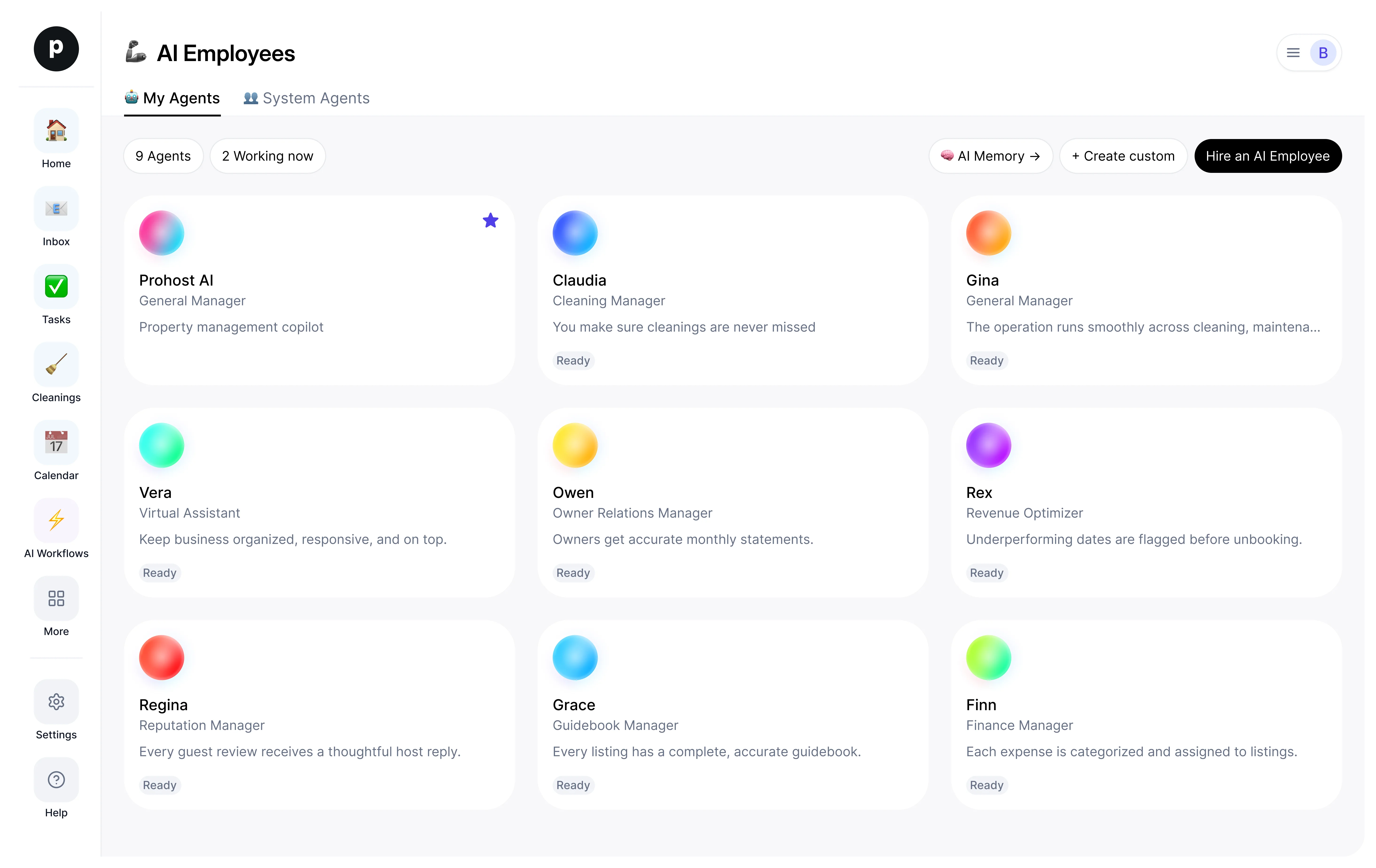
Every listing has a complete, accurate guidebook covering check-in, wifi, rules, and local tips.
20 hires18 working nowGuest experienceCreated by ProhostAI TeamOn ProhostAI since Sep 2026
Ask Grace
A short conversation, no account needed.
Work samples
How Grace works inside your workspace.
About
What I do
- Audits guidebooks for stale or missing sections
- Turns recurring guest questions into guidebook updates
- Keeps wifi, appliance, and rules info current
What I'm accountable for
- Every listing has a complete, accurate guidebook covering check-in, wifi, rules, and local tips.
- Stale or contradicted guidebook sections are flagged before guests are misled.
- Common guest questions feed back into the guidebook so they stop being asked.
Notes Grace suggests keeping
Once hired, Grace proposes starter notes like these. Keep, edit, or delete them; your own details replace the examples.
- “Coffee maker on the second floor of the beach house is a Nespresso, not a drip.”
- “Wifi password for unit 12 was rotated on the last cleaning.”
Hiring Grace
How hiring Grace works
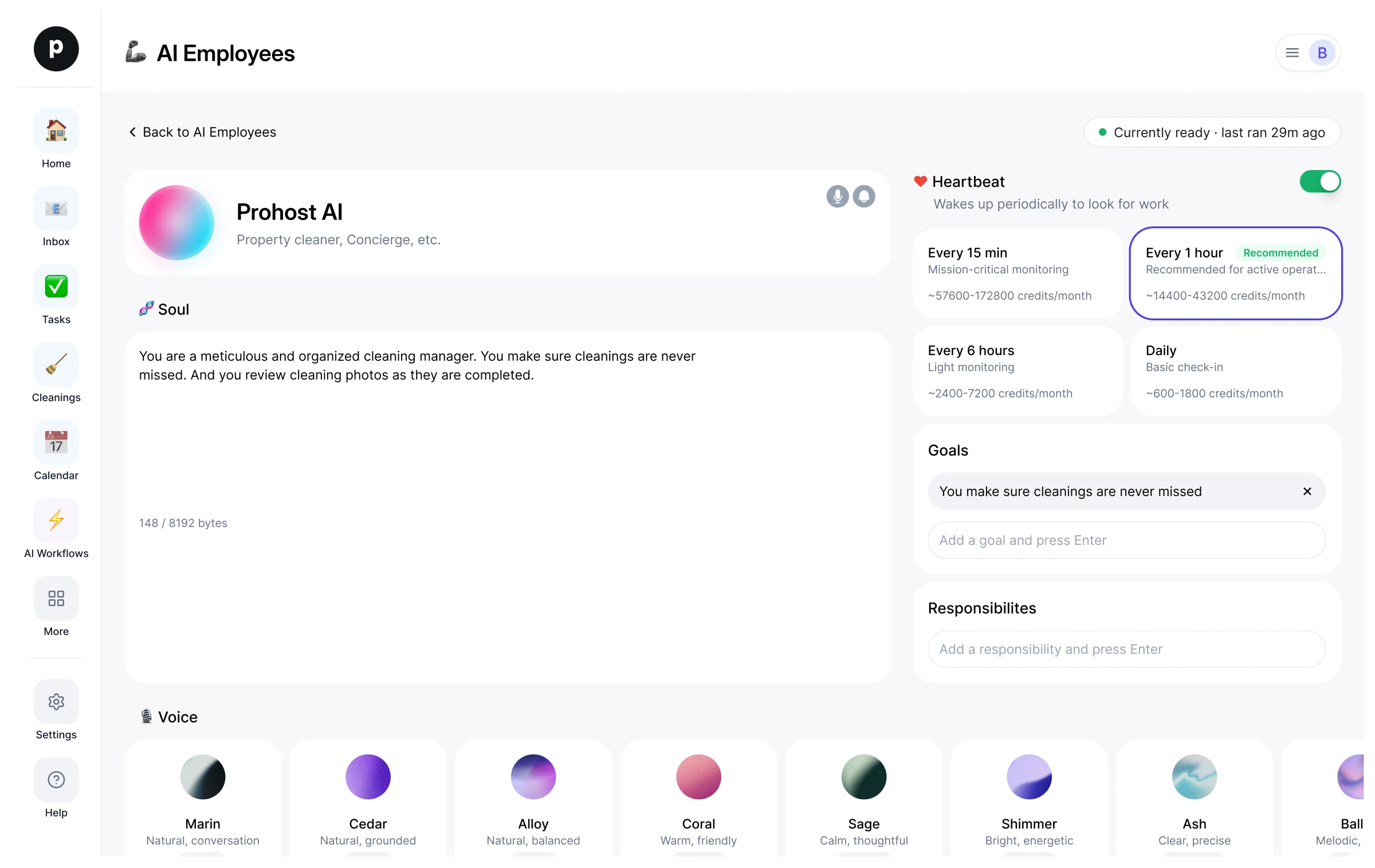
Hiring copies Grace into your workspace as your own AI employee. You can edit the goals afterwards and offboard the same way.
- Press Hire. New to ProhostAI? Create a free workspace first; existing customers just sign in.
- Grace opens in your AI employees desk. Review the goals and the tools Grace may use.
- Turn Grace on. The work starts on the next scheduled run.
Good to know
Grace only sees what your workspace already sees and works inside the approval rules you set, so anything sensitive waits for a human.
20 workspaces have hired Grace. 18 of them currently have Grace turned on.
Reviews
No reviews yet.
Sign in to write a reviewWorks with
People also viewed
- GabbyNewGuest Experience ManagerTryView profile
- Tara1 hireTenant Experience ManagerTryView profile