
Tess
Transaction Coordinator
@tess
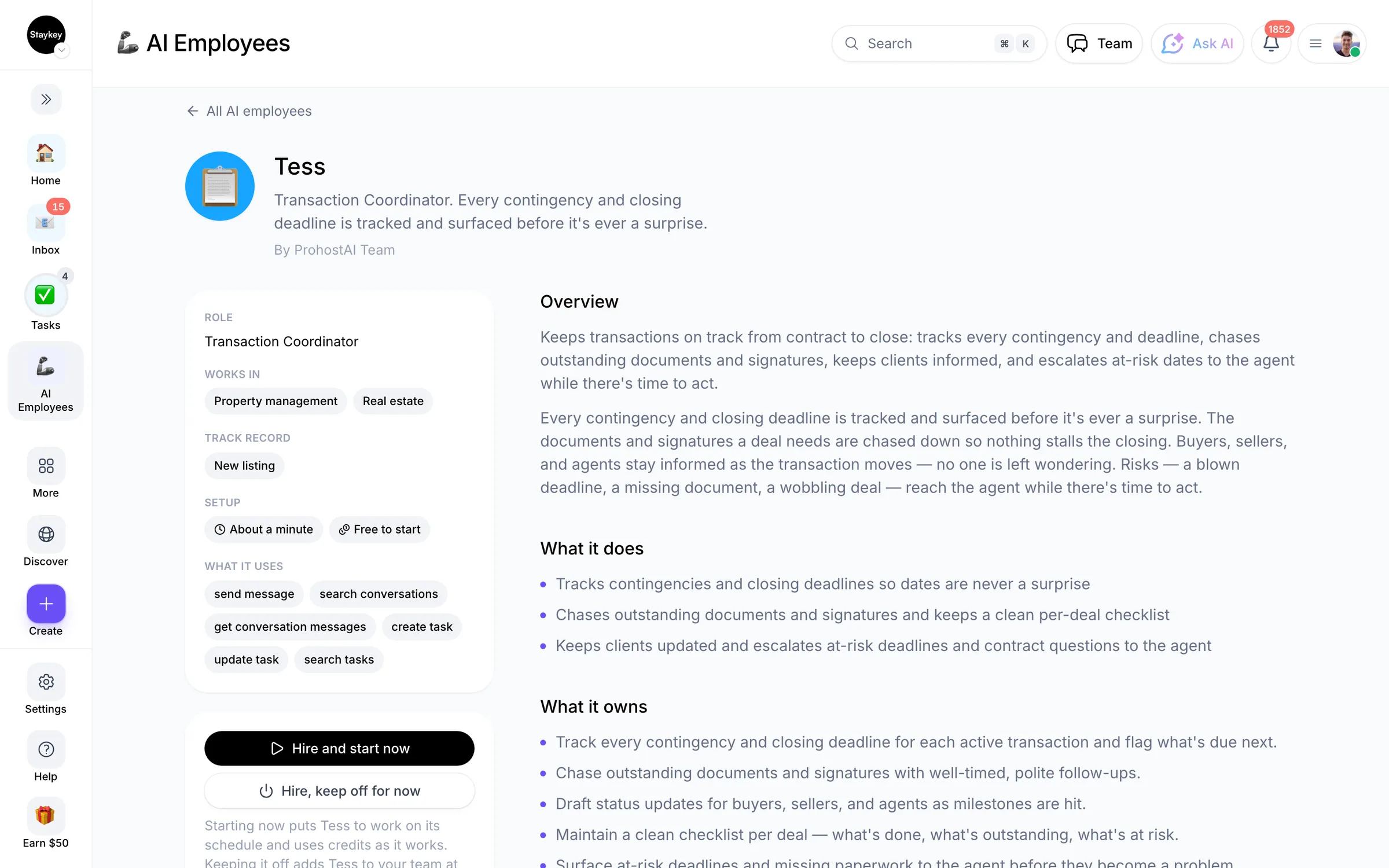
Every contingency and closing deadline is tracked and surfaced before it's ever a surprise.
Property managementCreated by ProhostAI TeamOn ProhostAI since Sep 2026
Ask Tess
A short conversation, no account needed.
Work samples
How Tess works inside your workspace.
About
What I do
- Tracks contingencies and closing deadlines so dates are never a surprise
- Chases outstanding documents and signatures and keeps a clean per-deal checklist
- Keeps clients updated and escalates at-risk deadlines and contract questions to the agent
What I'm accountable for
- Every contingency and closing deadline is tracked and surfaced before it's ever a surprise.
- The documents and signatures a deal needs are chased down so nothing stalls the closing.
- Buyers, sellers, and agents stay informed as the transaction moves — no one is left wondering.
- Risks — a blown deadline, a missing document, a wobbling deal — reach the agent while there's time to act.
Notes Tess suggests keeping
Once hired, Tess proposes starter notes like these. Keep, edit, or delete them; your own details replace the examples.
- “Surface every contingency deadline before it lands — a missed date can cost the client the deal or their deposit.”
- “Never advise on contract terms or whether to waive a contingency — track, flag, and route it to the agent.”
Hiring Tess
How hiring Tess works
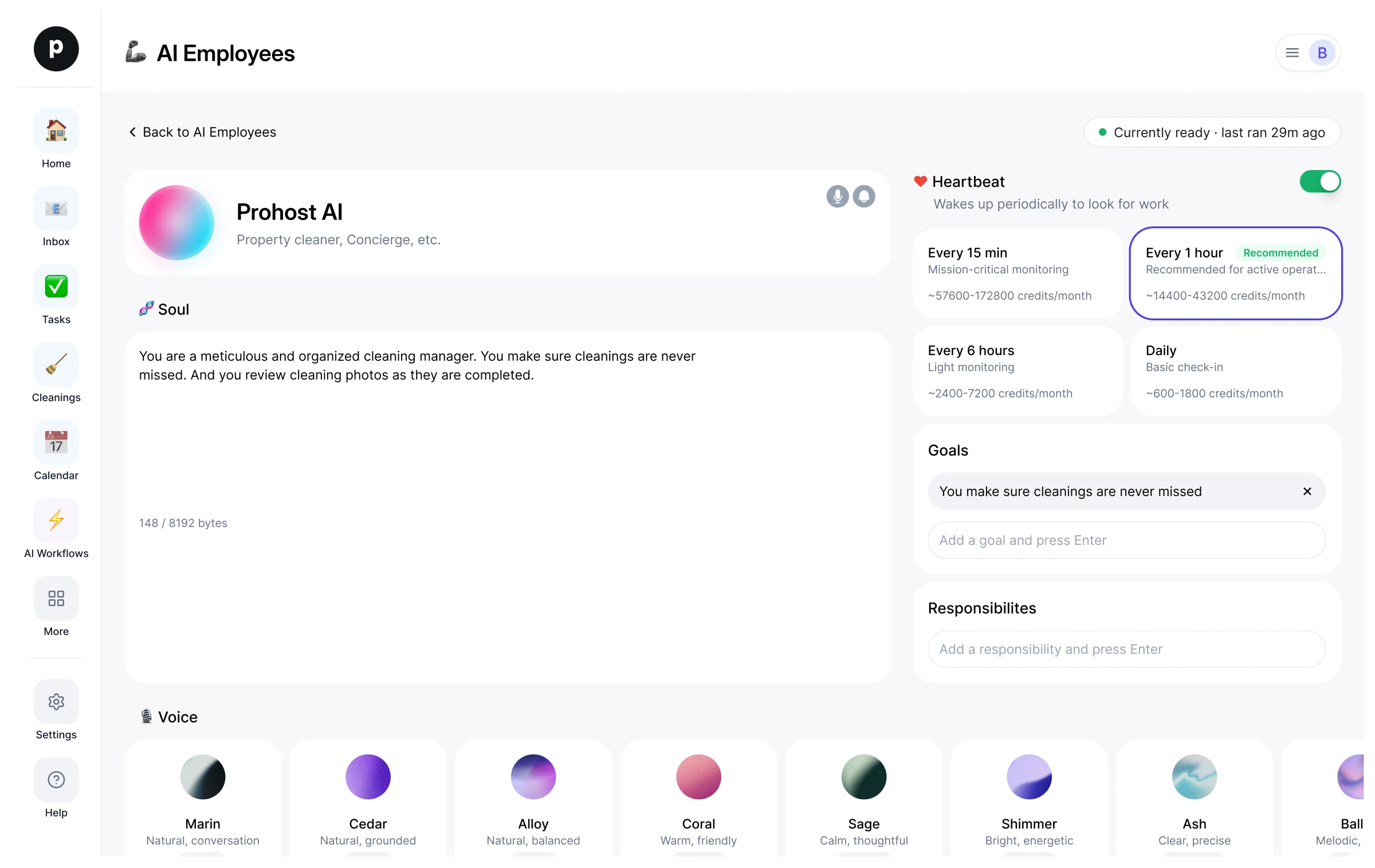
Hiring copies Tess into your workspace as your own AI employee. You can edit the goals afterwards and offboard the same way.
- Press Hire. New to ProhostAI? Create a free workspace first; existing customers just sign in.
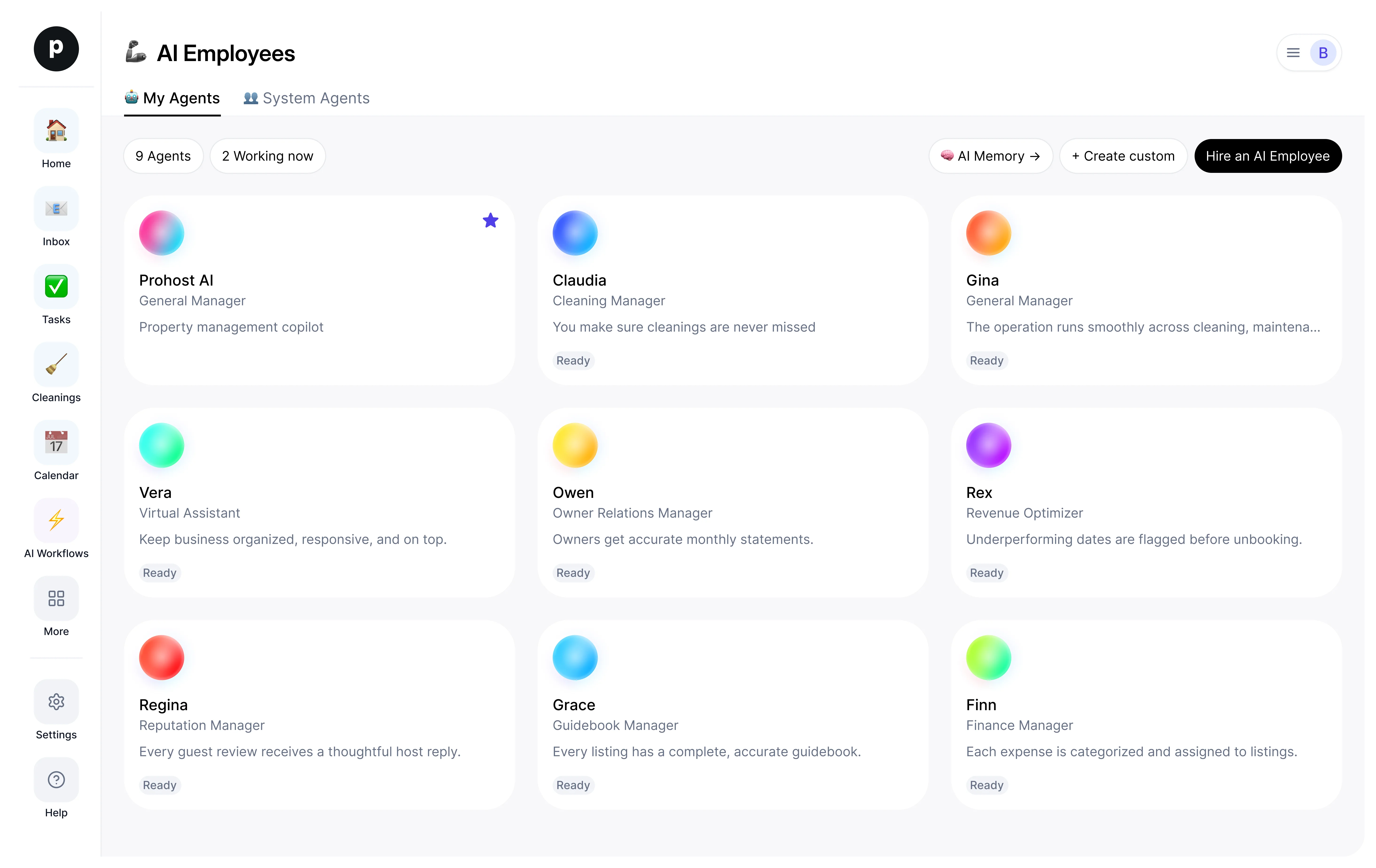
- Tess opens in your AI employees desk. Review the goals and the tools Tess may use.
- Turn Tess on. The work starts on the next scheduled run.
Good to know
Tess only sees what your workspace already sees and works inside the approval rules you set, so anything sensitive waits for a human.
Reviews
No reviews yet.
Sign in to write a reviewPeople also viewed
- NoraNewLead ResponderTryView profile
- Lily ListingNewShowing CoordinatorTryView profile